
 Gridbox Pro
Every tool gets a place of its own.
Easily trace your photo in minutes and have a perfect fit the first time.
Take a photo of what goes in your drawer, and Gridbox Pro designs the Gridfinity bins, shadowboxes and drawer base to fit it, ready for your printer.
Designing is free and doesn't need an account. When you're ready to export, it's $130, one time, at launch.
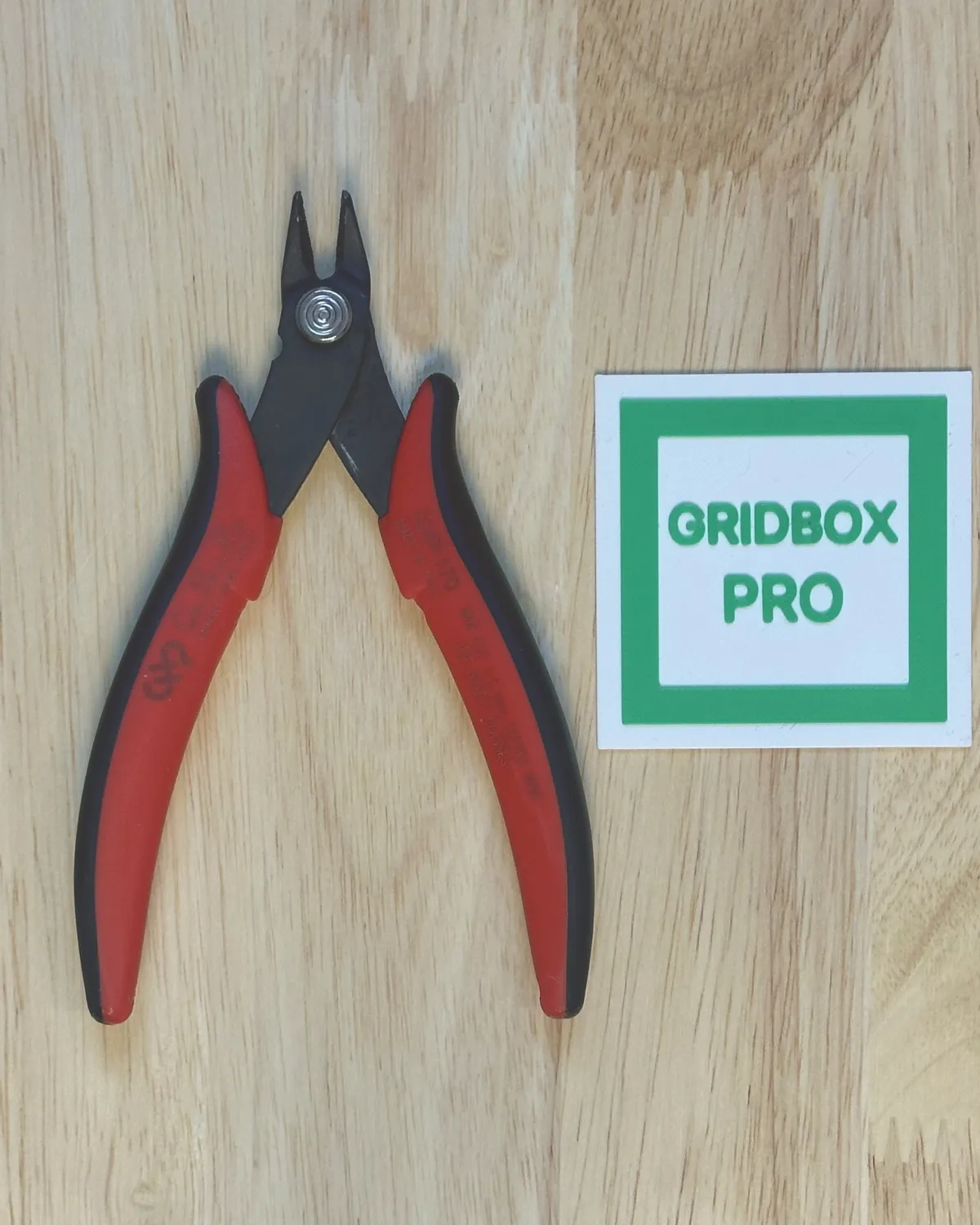
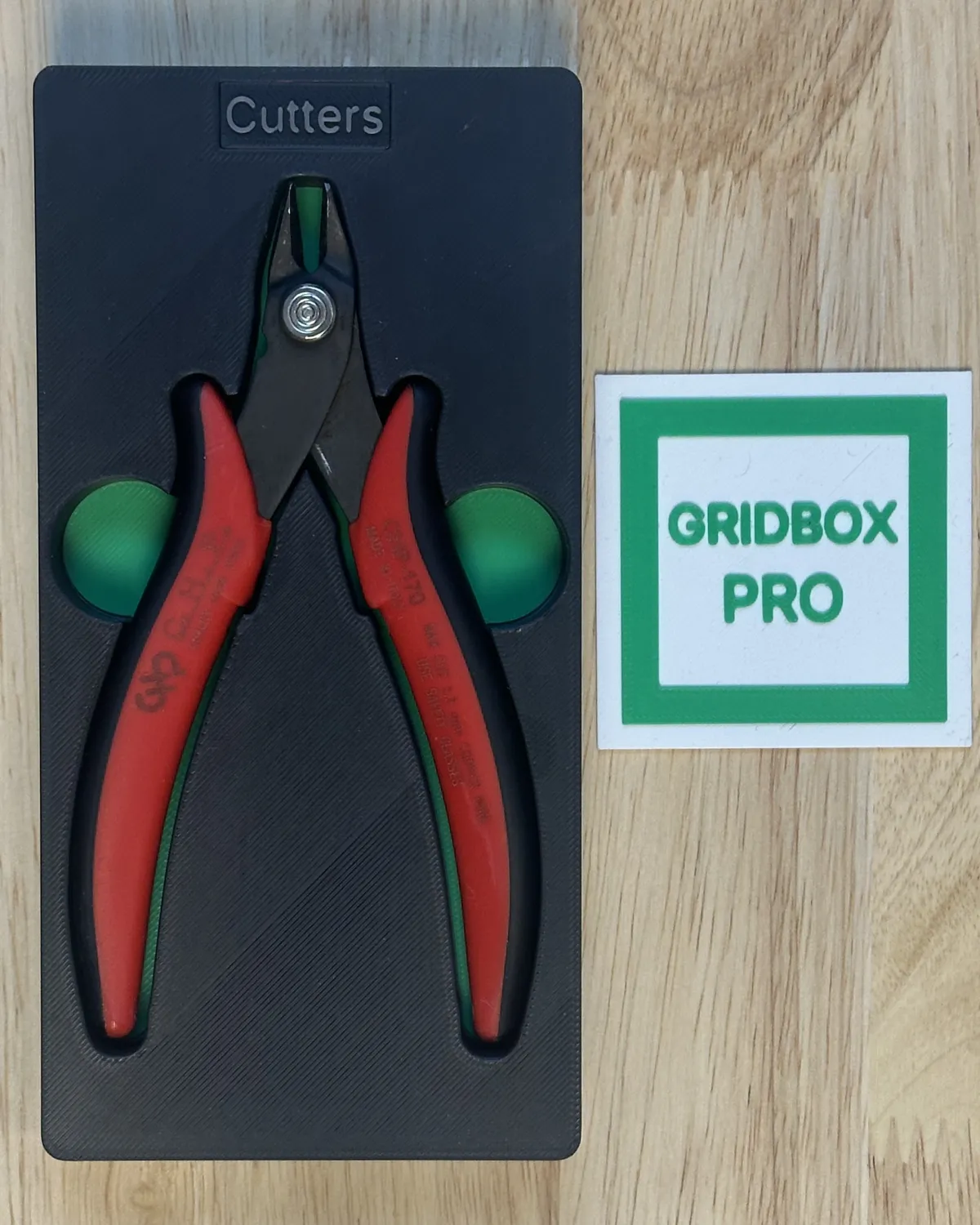 Your photoYour print
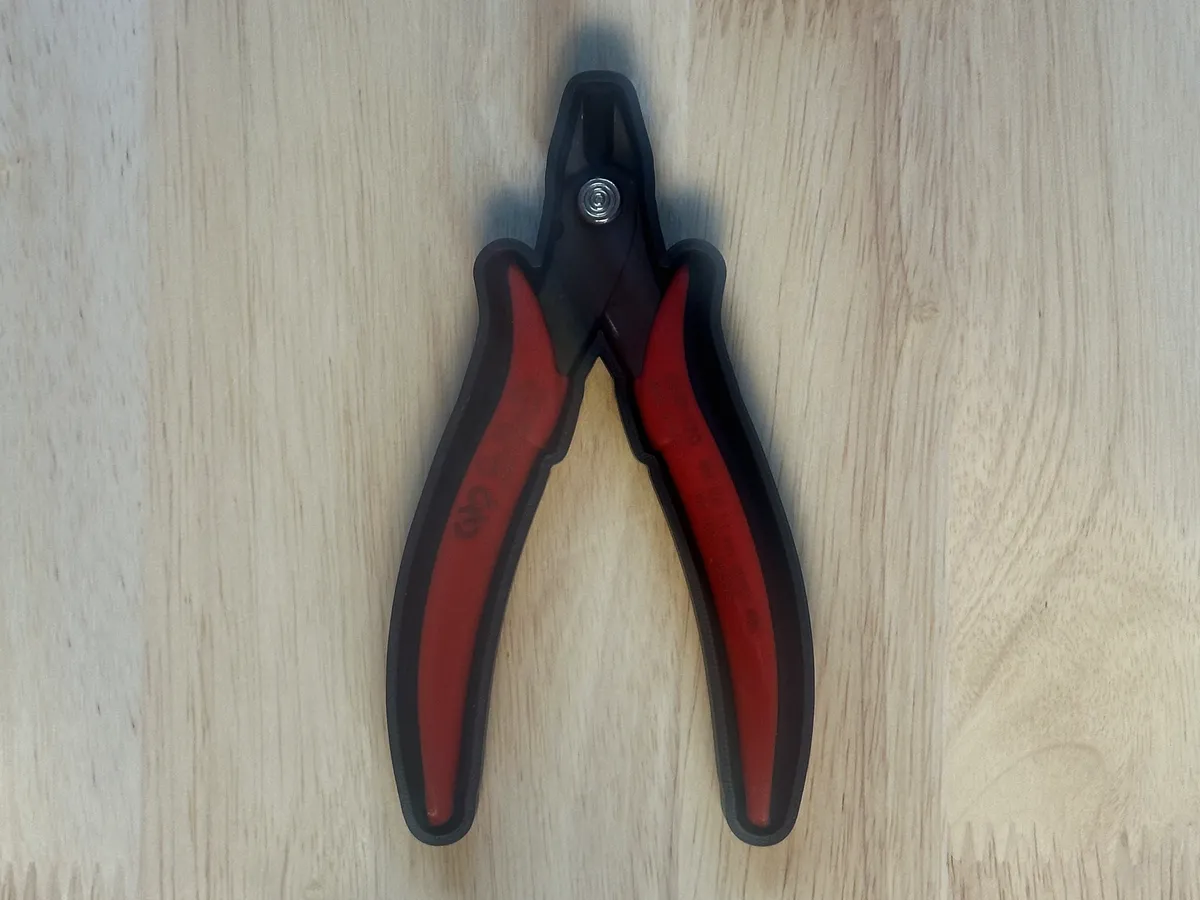
Follow one pair of wire cutters from the photo to the finished shadowbox.
Put your object next to the Gridbox Pro scaler tile and take a picture from straight above, and it scales automatically.
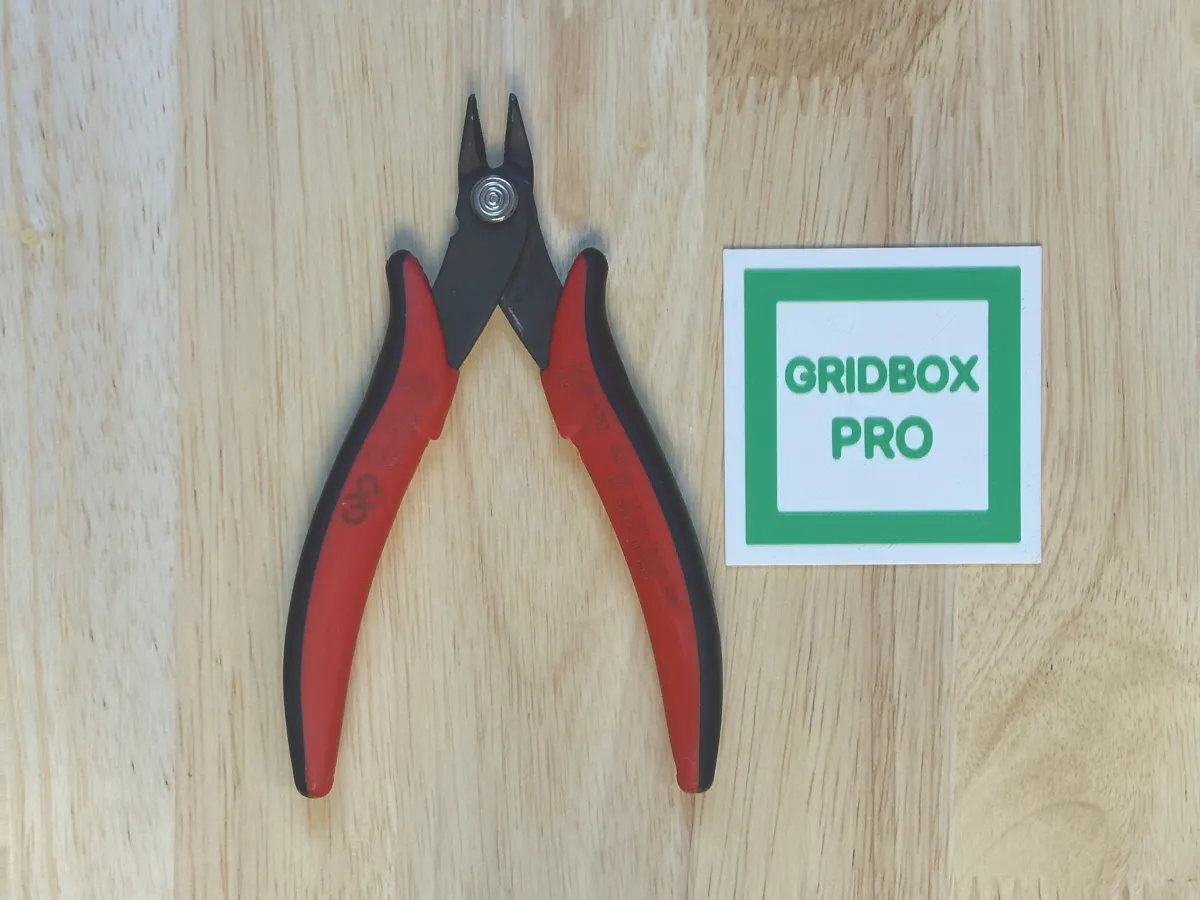
Auto trace draws the outline for you, and you can edit any part until it's right.
Send the file to your slicer, and when the print is done, your tools drop right into their cutouts.
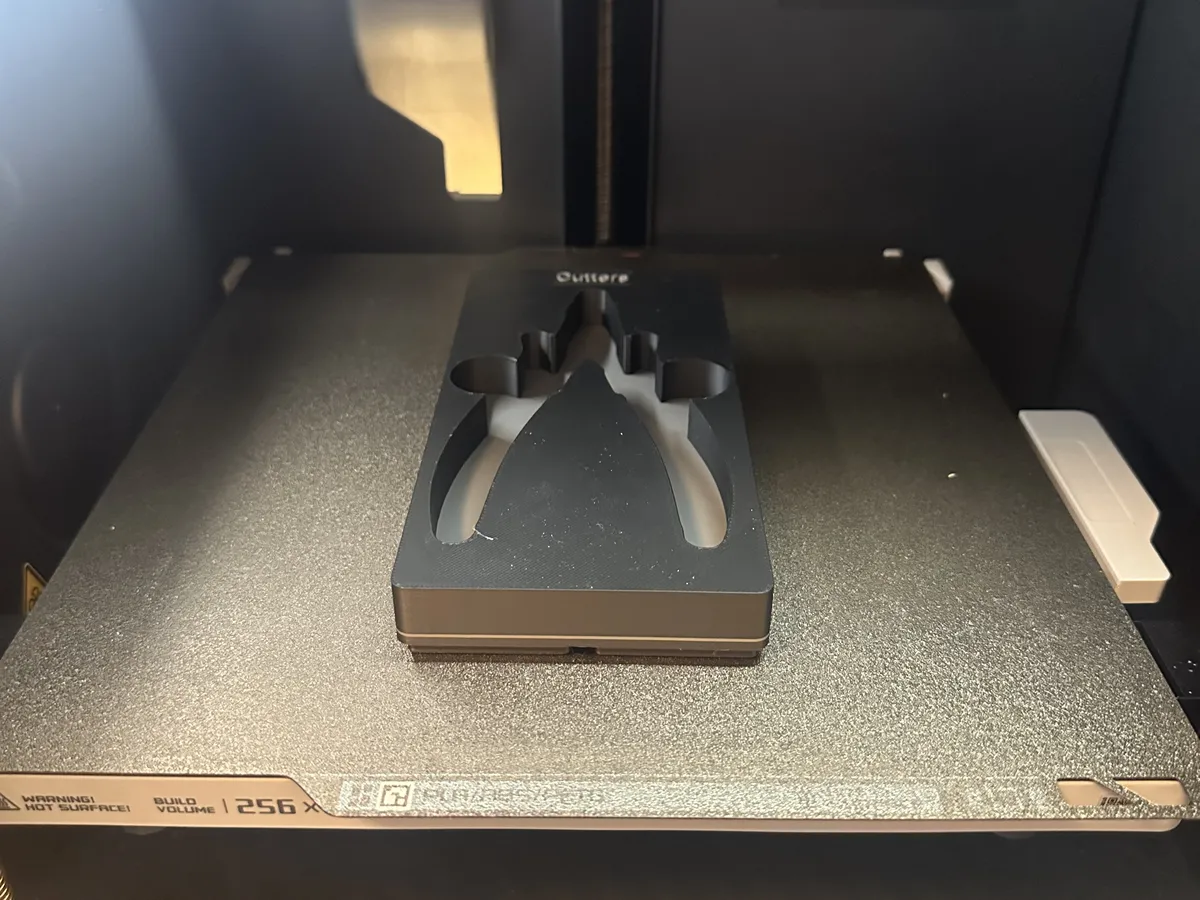
Easily trace your photo in minutes and have a perfect fit the first time.
Use digital calipers to check before you print.
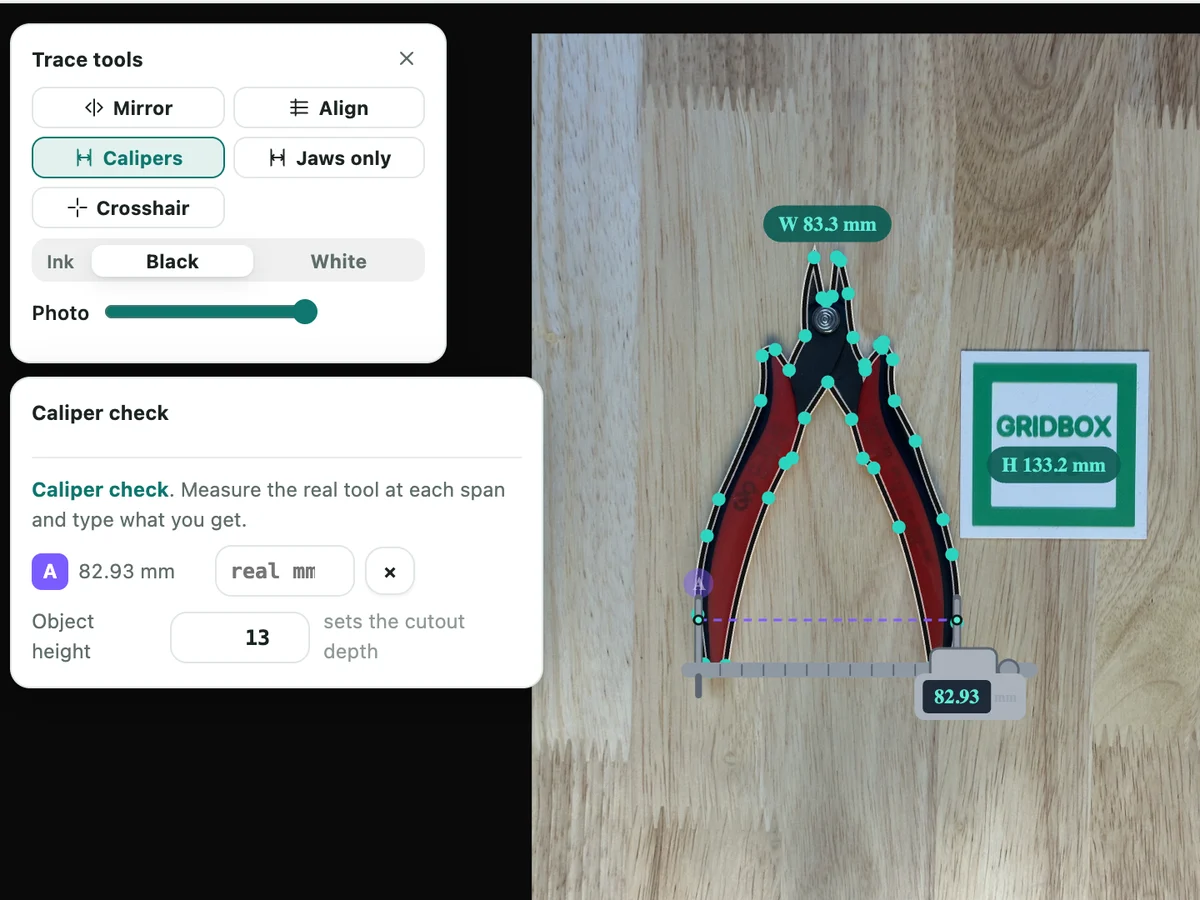
Print a short ShadowFit test first to be sure the real print fits perfect.
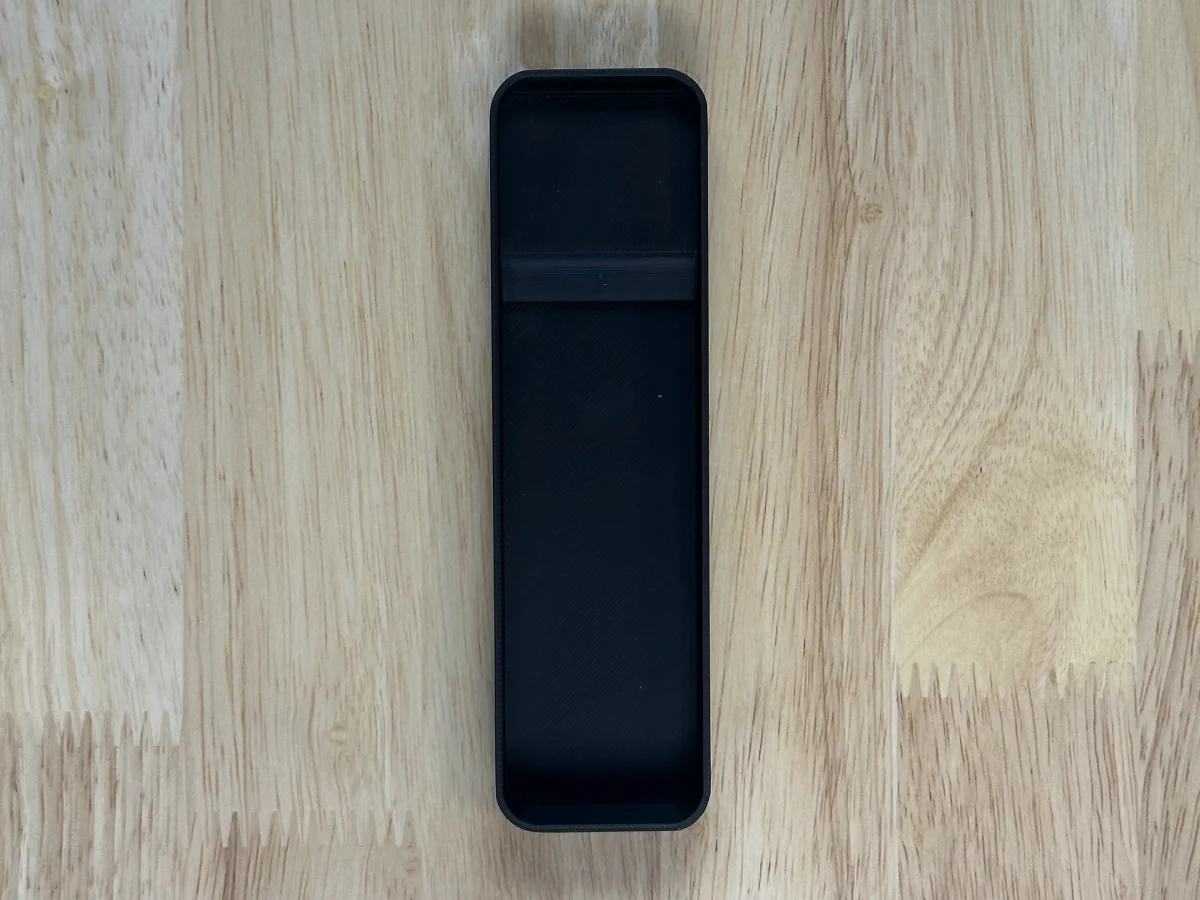
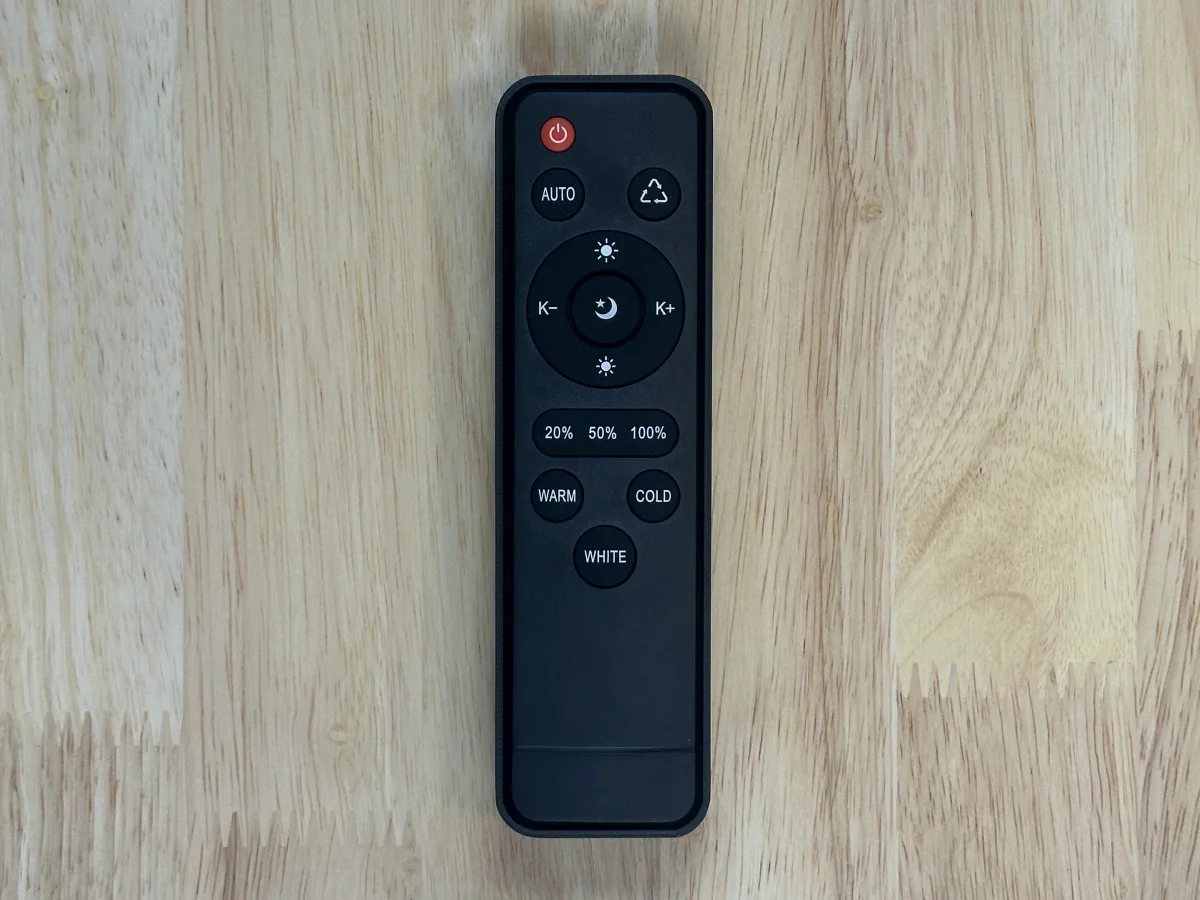
SnapSplit cuts a bin or shadowbox into pieces that fit your bed, and they join back together with printed pins or magnets.
Easily add scoops to any cell and replaceable, custom label cards wherever you need.
Let Gridbox Pro do the math for you. Put in the width and length of your drawer and get a zip file of every individual base piece to print.
Open a .gridboxpro file someone shares with you and you can edit any parameter. Even see the shadowbox photo that was used to make it your own.

Send a photo of your drawer to gridboxprostudio@gmail.com, and it could be the next one here.
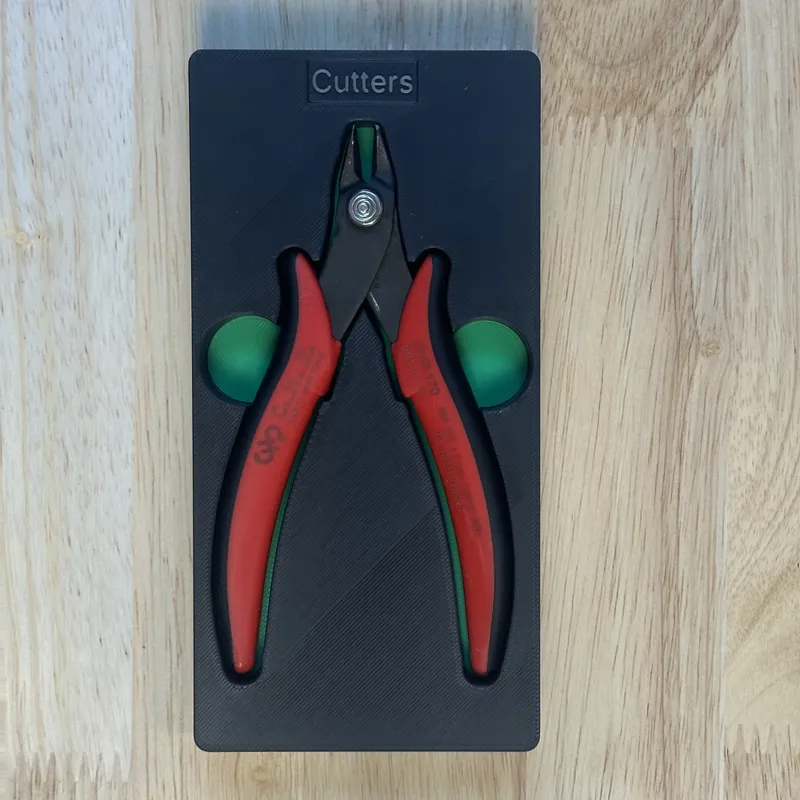
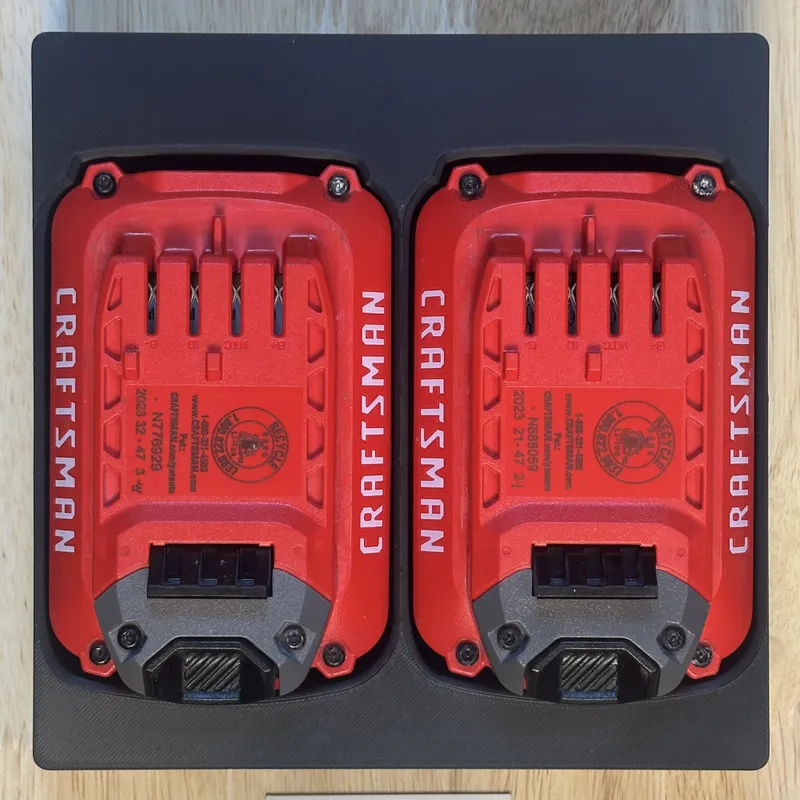
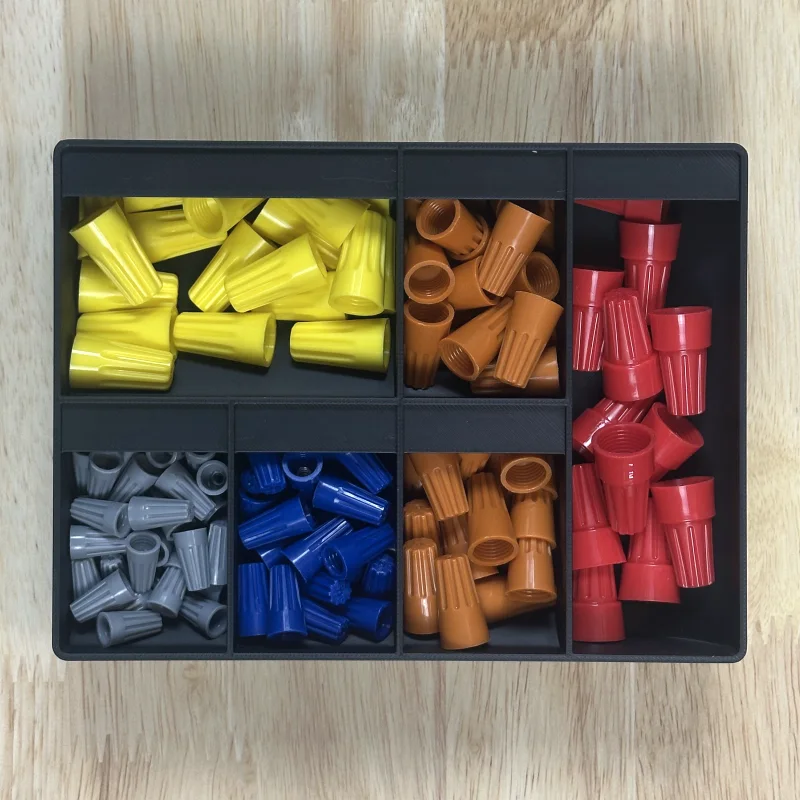
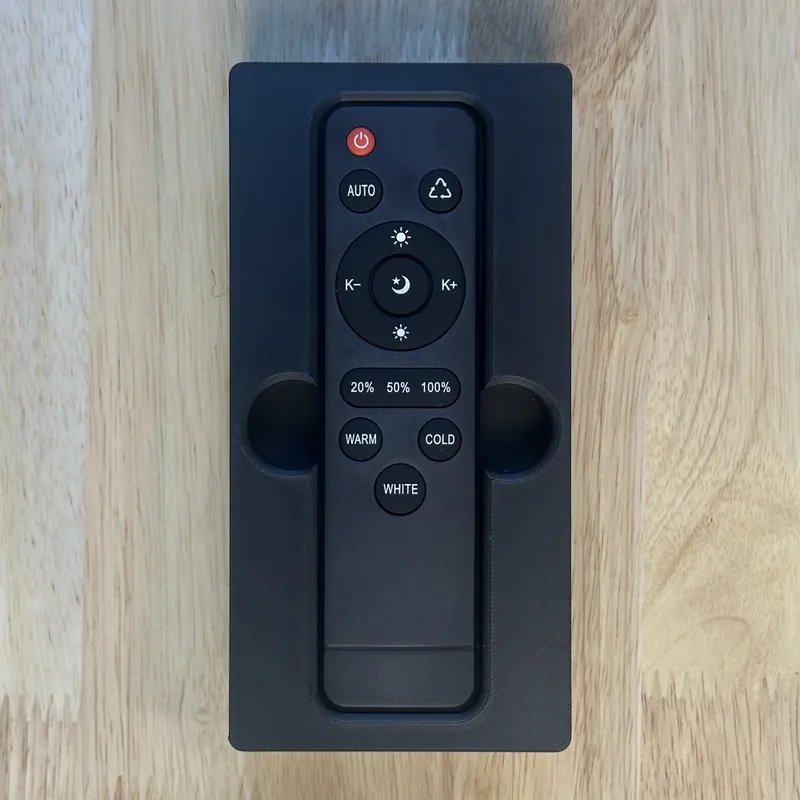
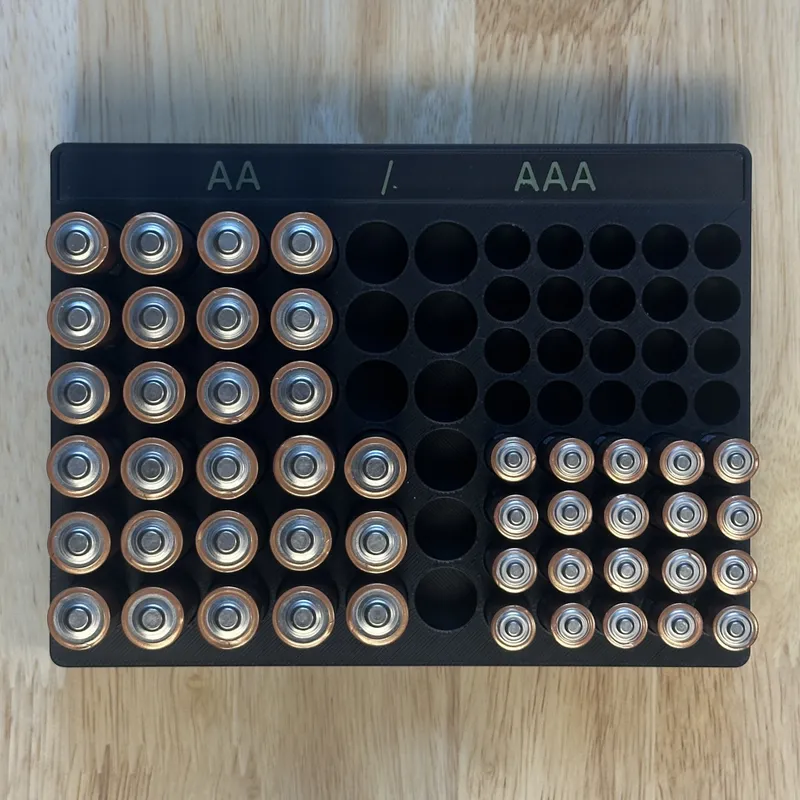
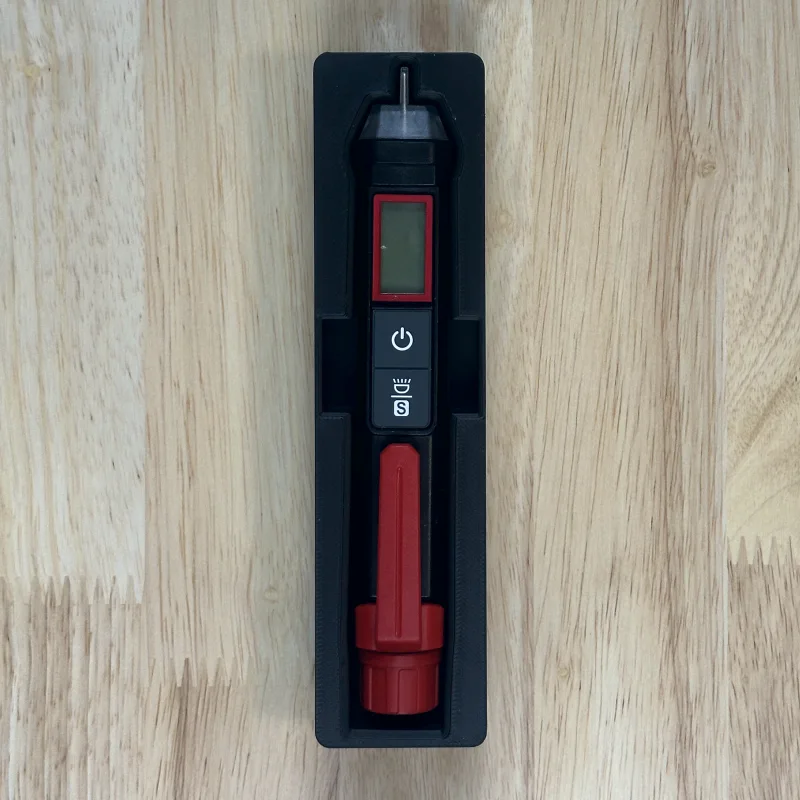
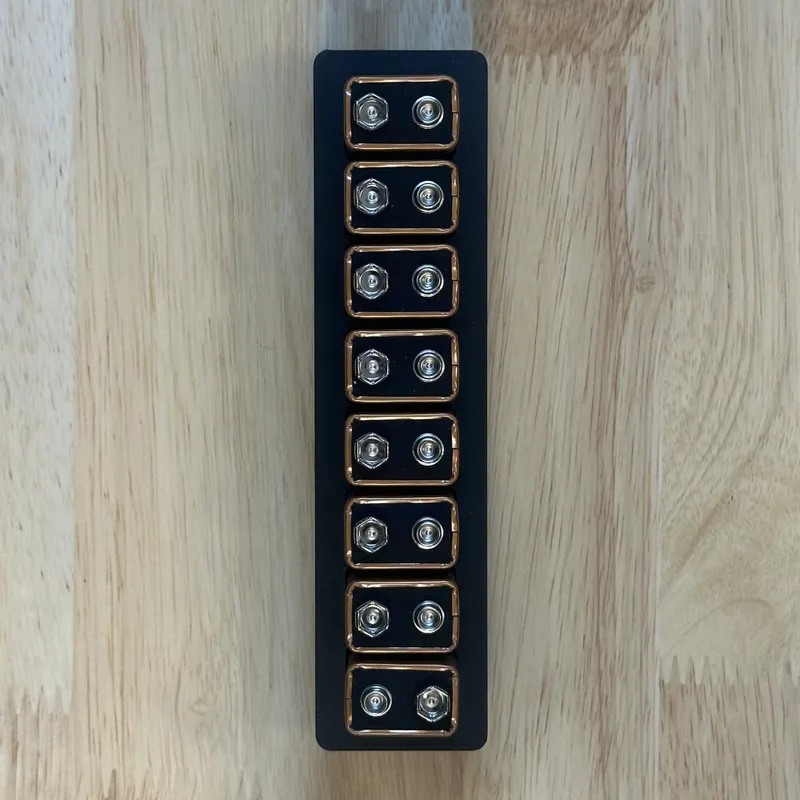
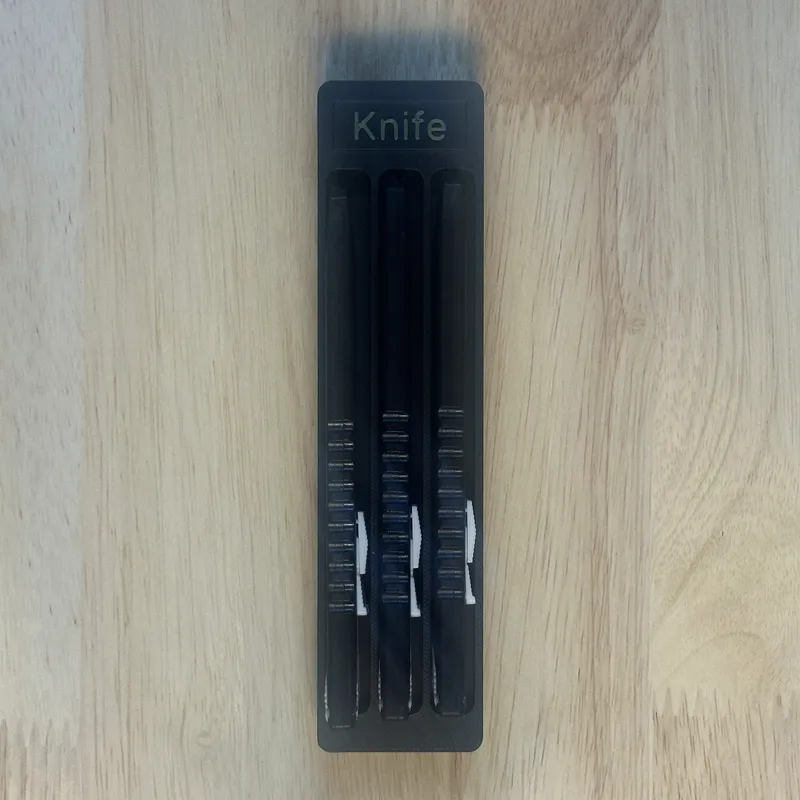
Gridbox Pro is free to download, and every tool is open while you design. When your design is ready, $130 one time unlocks the 3MF and STL files for your printer. That's the launch price until December 31, and then it's $150.
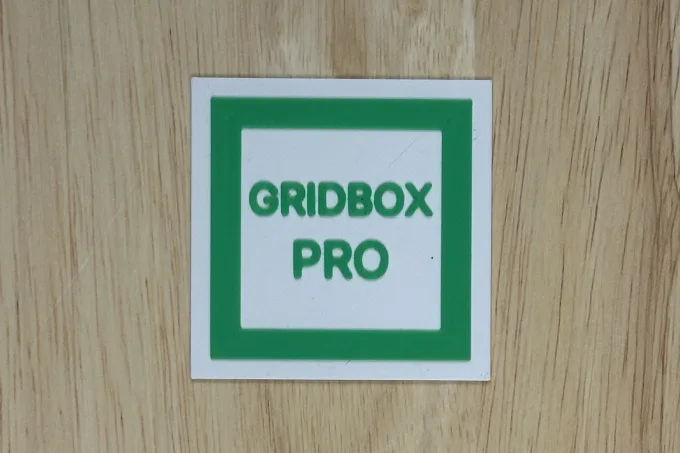 Most photo tools need a sheet of paper in the shot for scale. Gridbox Pro gives you a free 60 mm tile to print once, and when it's in the photo, the app finds it and sets the scale on its own.
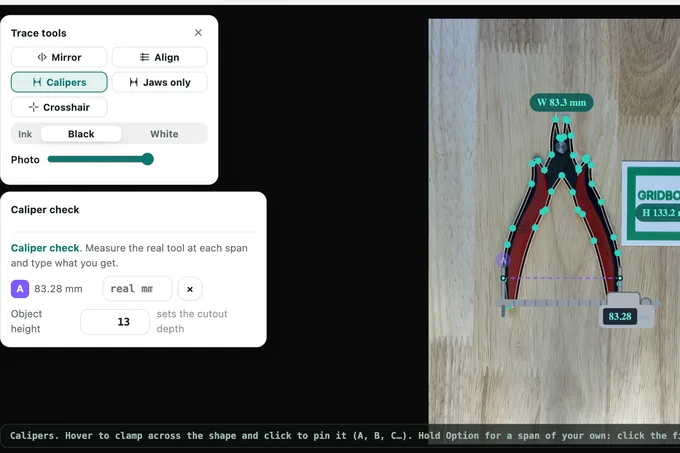 Pin a span anywhere on the outline and type what your real calipers read, and Gridbox Pro shows how far off it is. With two readings, Fix the scale rescales the width and depth separately.
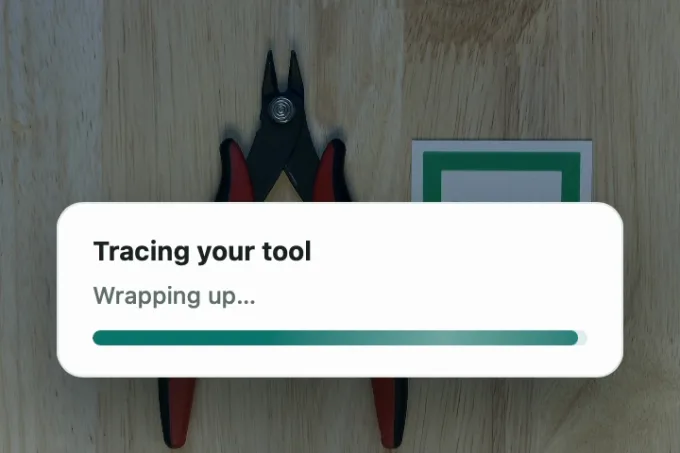 Auto trace finds the tool in your photo with an AI model that runs on your computer, and there are no trace credits to buy.
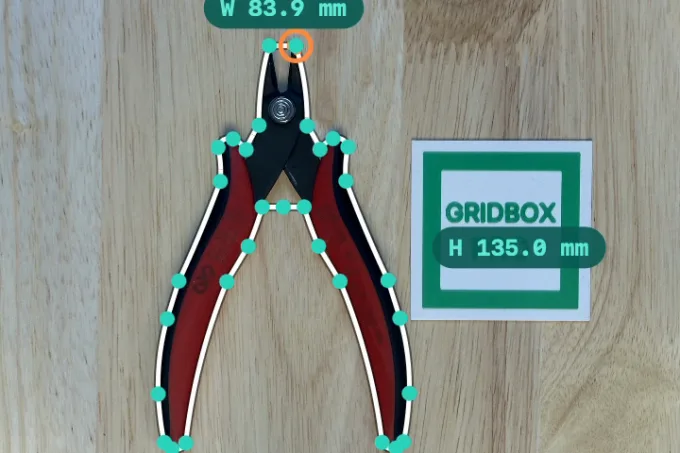 Click to add points, drag a line to curve it, and use Mirror to finish a symmetric tool. Nothing about the outline is locked.
 ShadowFit prints a thin piece with the same cutouts, and you drop every tool in before you start the long print.
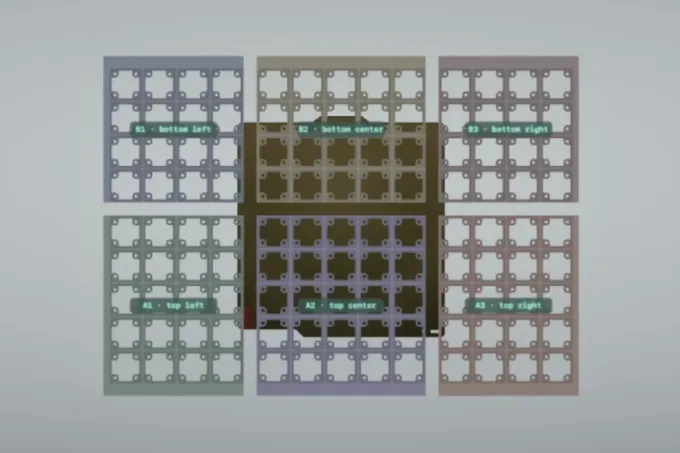 Type the inside of your drawer in inches or millimeters, and Gridbox Pro builds a base that fills it, split to fit your printer.
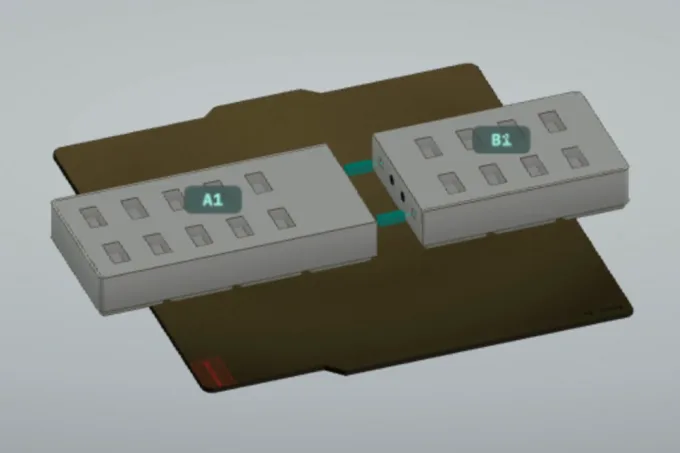 SnapSplit cuts a bin or shadowbox that's too big for your bed along the grid, and the pieces join with printed pins or magnets.
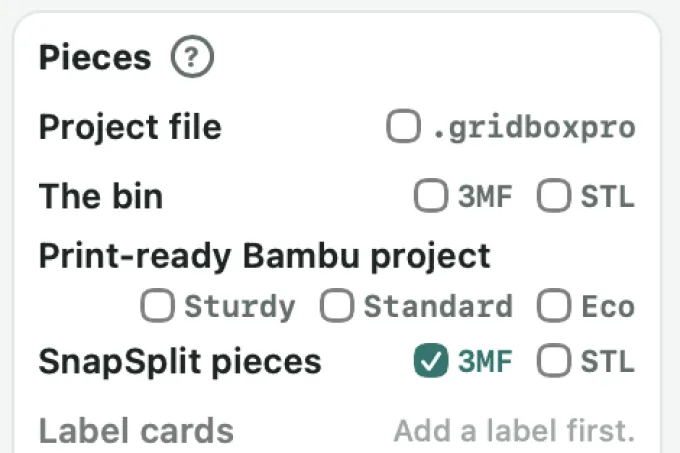 A 3MF carries its millimeters and opens at the right size in every slicer, STL is the classic format, and a print-ready Bambu Studio project comes with the settings in it.
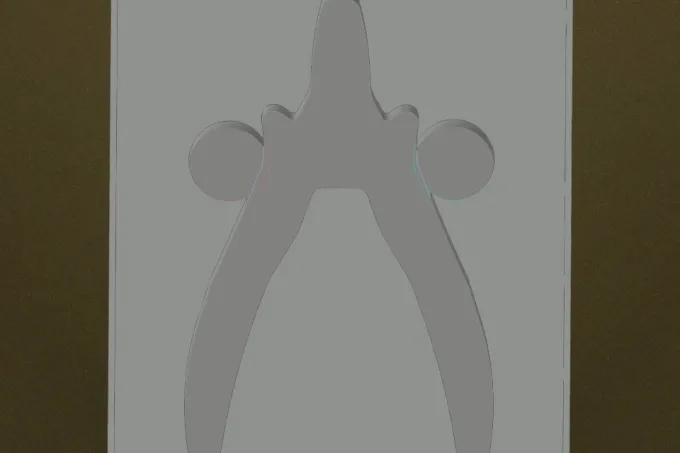 Finger holes lift a tool out, scoops curve the floor so small parts sweep out with a fingertip, and label slots in five shapes hold cards you print.
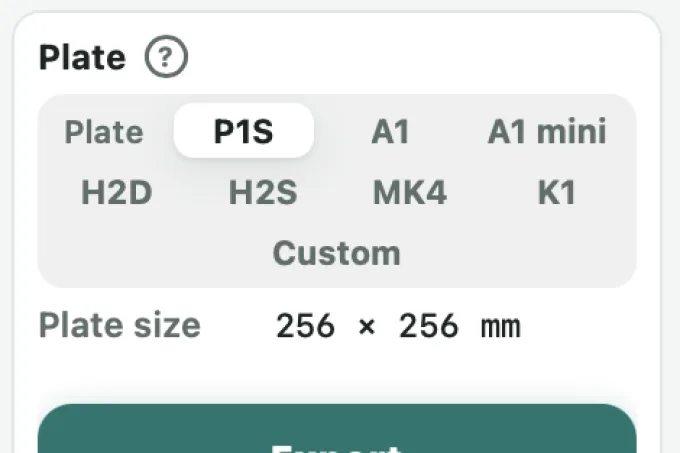 Pick a Bambu Lab P1S, A1, A1 mini, H2D or H2S, a Prusa MK4 or a Creality K1, and you'll see what fits in one print. For any other printer, type its plate size.
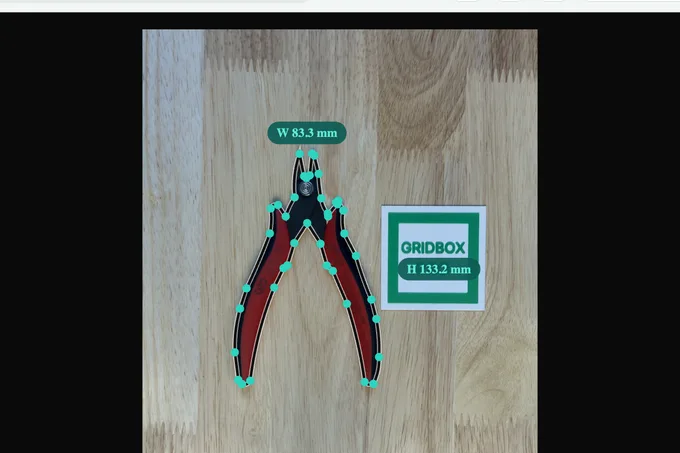 A .gridboxpro file carries the photo, the outline and every setting, and anyone can open it in the free app and change it for their own drawer.
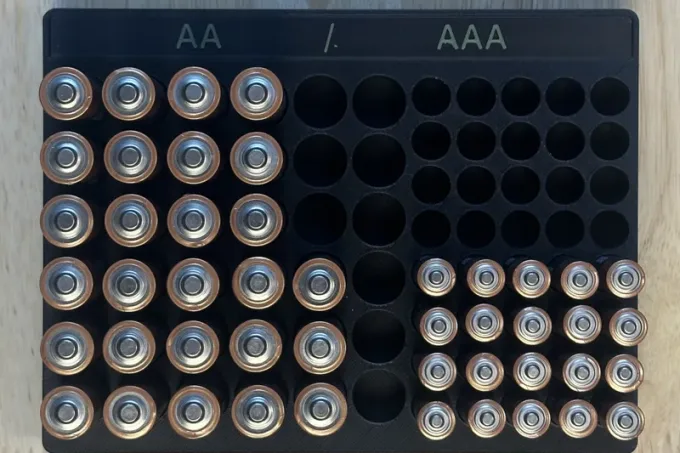 Cutouts already sized to real objects: AAA to D batteries, coin cells, SD and microSD cards, drill bits and sockets.
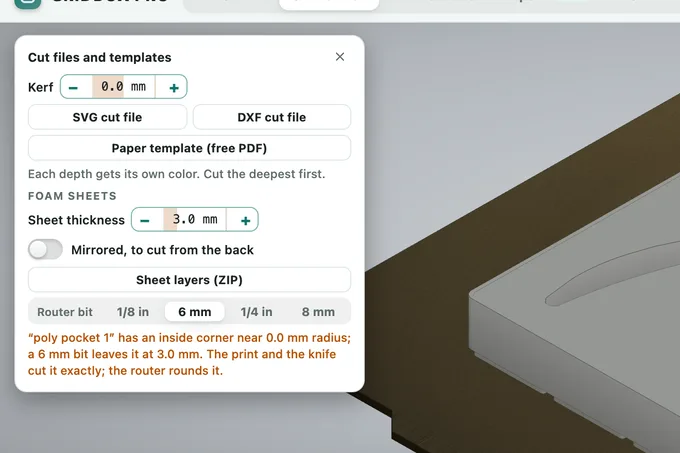 With the Commercial license, your outlines export as SVG or DXF for a laser or CNC, and as foam sheet layers. The 1:1 paper template is free for everyone, and every traced cutout can get a drop-in color plate.
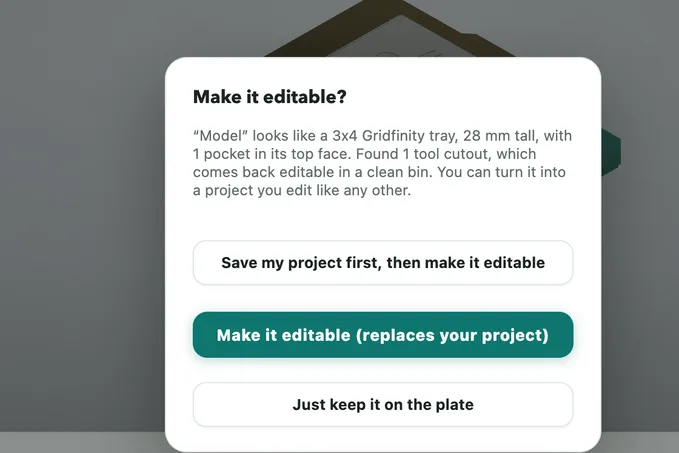 Open a model you downloaded, like a MakerWorld bin, and cut its shape into your bin, copy its cutouts, or rebuild it as a project you can edit. Import is in beta.
Tap or hover any line for what it does.
Get an email when there's a sale or a new version.
Get an email when there's a sale or a new version.
Gridbox Pro works with any printer whose slicer can open a 3MF or STL file, which is almost every printer. Pick your printer from the Bambu Lab, Prusa and Creality presets, or type in any plate size, and you'll see what fits in one print.
No. If you can take a photo with your phone, you can use Gridbox Pro. Calipers help when you want an exact fit, but you don't need them to get started.
Designing is free for as long as you like, and you don't need an account. You pay $130 one time, the launch price until December 31 (then $150), when you're ready to save files out of the app, like the files for your printer, and there's no subscription.
Your copy keeps working exactly the way it does now. Updates after that year are optional, and you can decide then whether you want them.
Yes. A Mac opens iPhone photos as they are. On Windows, save the photo as a JPG first, or set your iPhone camera to Most Compatible, and it works the same way.
Yes. Shadowbox exports a free full-size paper template of your outlines. The Commercial license adds SVG and DXF cut files for a laser or CNC, and foam sheet layers.
Yes. Your .gridboxpro file carries the photo, the outline and every setting, and anyone can open it in the free app and change it for their own drawer.
You can design everything for free first, so you'll know it works for your drawers before you spend anything. Refunds
Download Gridbox Pro, take a photo of what goes in it, and see your bins before you print anything. You're going to love opening that drawer when it's done.
If you're on your phone, send yourself the link and open it on your computer.